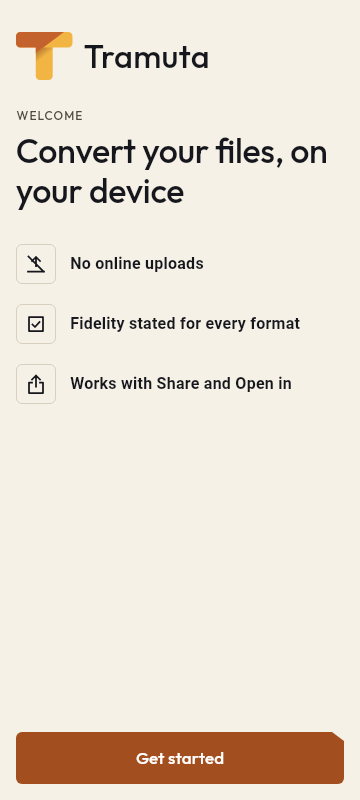
Convert your files, on your device
Images, PDFs, documents, audio and video, never uploaded anywhere.
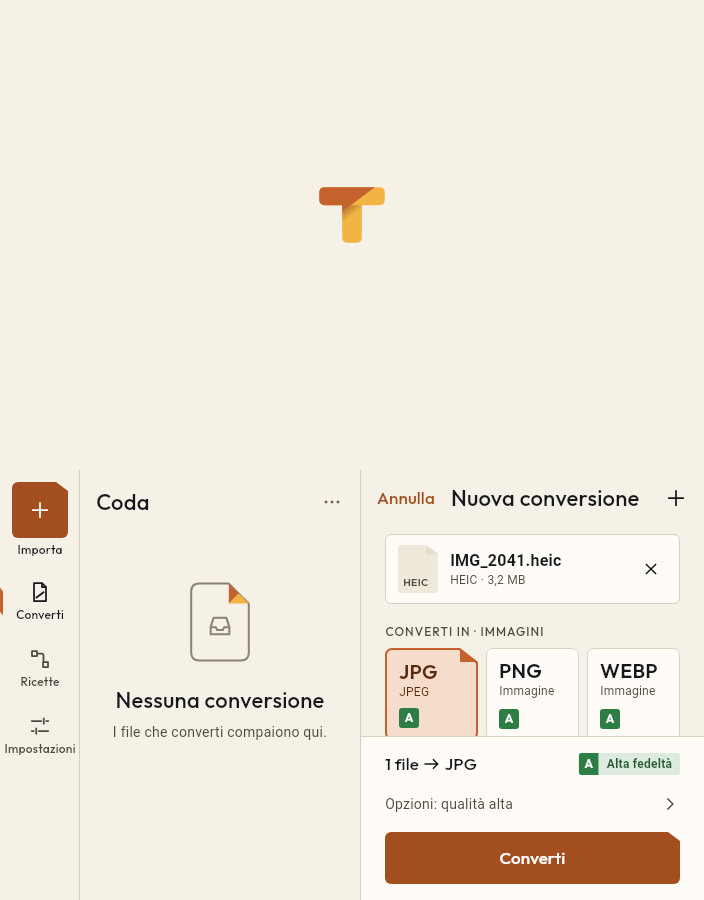
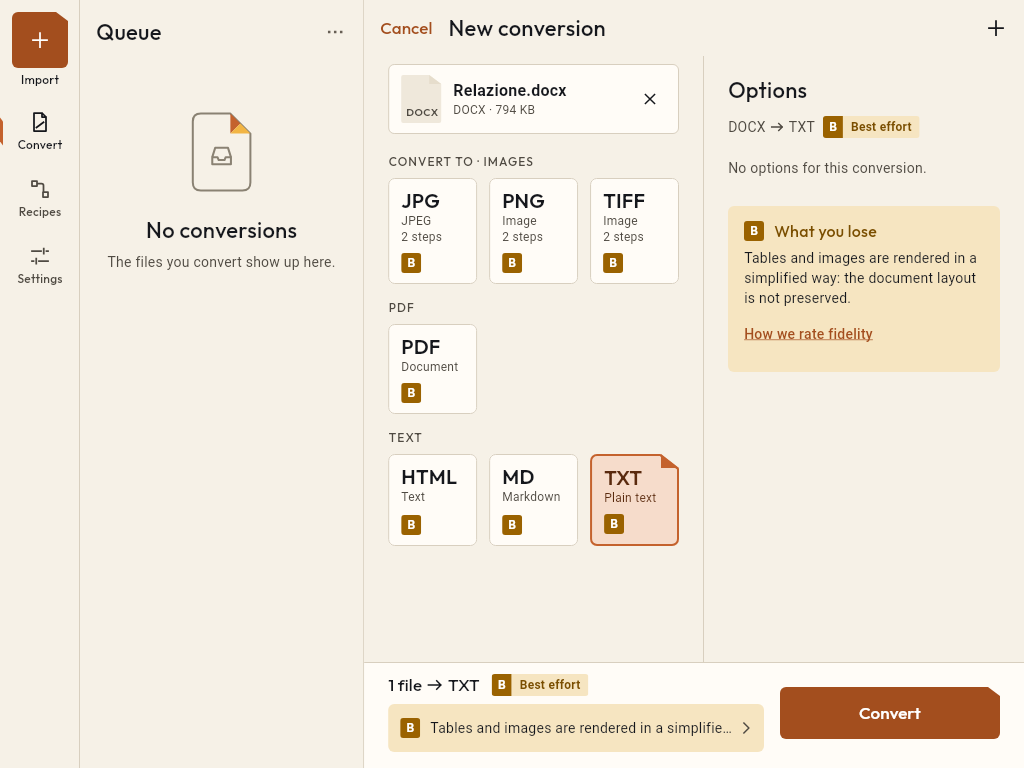
Two panes, split by the fold
On tablets and foldables the queue sits on one side, the work on the other.
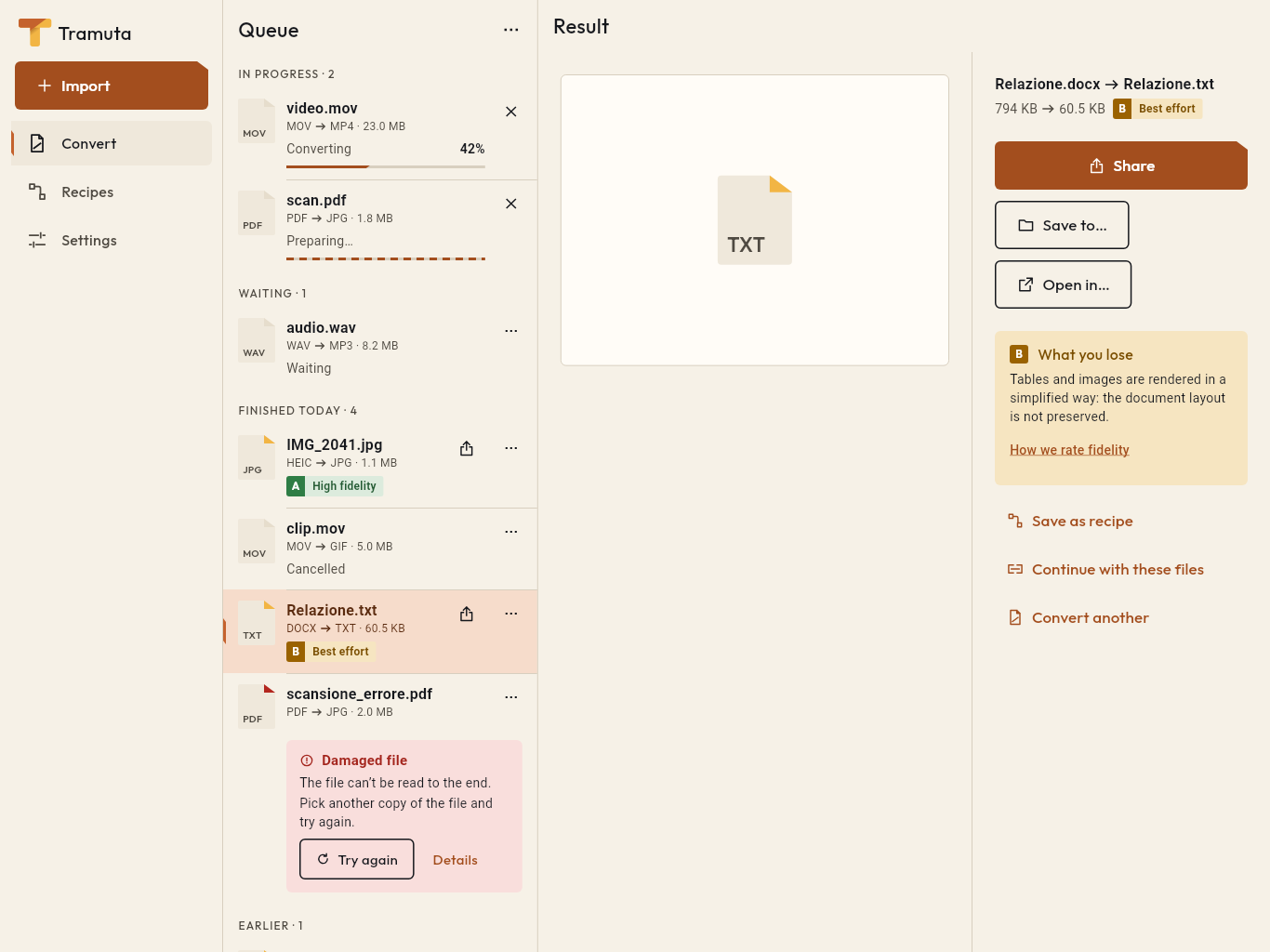
Know what you lose first
Every conversion has its own fidelity, on iPhone and on Android.
- High fidelity
- The conversion keeps the content of the file. Example: HEIC to JPG.
- Best effort
- The conversion works, but something may change; the “What you lose” note says what. Example: DOCX to TXT.
- Not available
- The conversion is not there on that platform, and the app tells you why.
The file stays on the device
- No account
- Open it and convert: no sign-up, no login.
- No ads, no analytics
- No tracking or advertising SDK, no in-app purchases.
- Google Play and App Store: offline
- The Play version does not ask for the Internet permission; the iOS version makes no network calls.
- The site’s APK: updates only
- It uses the Internet only to read version.json and tell you about a new version.
Straight from Share and Open with
- Share
- from Photos, Files or another app: the files join the draft.
- Open with
- from an attachment or the file manager.
- Shortcuts
- “Convert with Tramuta” on iPhone, app shortcuts on Android.
- Recipes
- several steps in a row, saved once and reused.
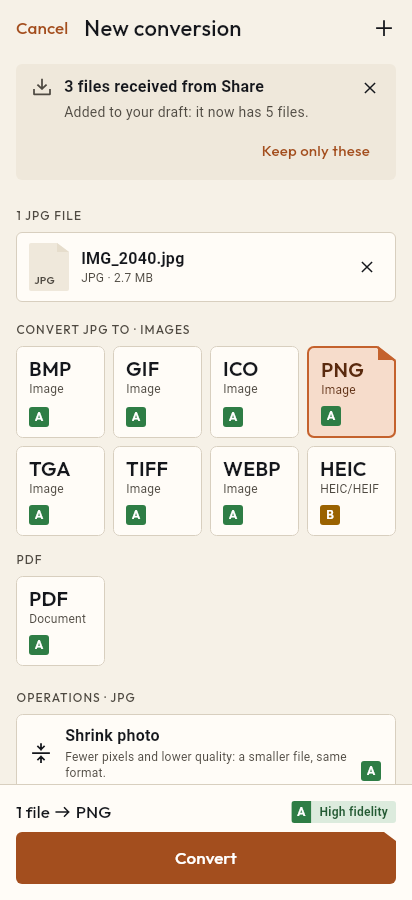
What goes in, what comes out
65 formats in 9 categories, with the conversions available on iPhone and on Android.
Tramuta converts everyday files right on your iPhone, iPad or Android device: HEIC photos you need as JPG, documents you have to hand in as PDF, PDFs to merge or slim down, spreadsheets to CSV, subtitles, audio and video. The file never leaves the device, and before converting the app tells you what is kept and what you lose.
Examples for every kind of file
- Images: HEIC photos to PNG too, vector drawings from SVG to PNG, Photoshop files from PSD to JPG.
- Documents: a spreadsheet from XLSX to PDF, a text from Markdown to PDF, a book from EPUB to PDF.
- Data: XLSX to CSV, CSV to JSON, JSON to YAML.
- Subtitles: SRT to VTT for the web and VTT to SRT for video players.
- Audio and video: FLAC to MP3, MKV to MP4, GIF to MP4, and just the soundtrack of a video with MP4 to MP3.
The full list, with the fidelity on iPhone and iPad and on Android, is on the formats page.
Tools for PDFs
Besides converting, Tramuta works inside PDFs. You can merge several files into one, split a document, extract, reorder or rotate pages: in all these cases the pages are copied as they are, with the text still selectable. You can also compress a PDF that is too heavy, make a scan searchable with OCR, which recognizes Italian and English text with no network, and remove the password from a PDF whose password you know.
Multi-step conversions and recipes
When there is no direct conversion between two formats, Tramuta suggests a path in several steps and explains the fidelity of each one. “Continue with these files” passes the results on to the next step: from HEIC photos to PDF, say, and then to a single PDF with Merge PDFs. A sequence you use often can be saved as a recipe and reused whenever you need it.
Requirements and differences between iPhone and Android
Tramuta runs on iPhone and iPad with iOS 15 or later and on Android 7.0 or later. Some conversions need more: HEIC photos open from Android 9, AVIF images from Android 12, and PPTX presentations become PDF only on iPhone and iPad. Each conversion page says what applies on which device. Download Tramuta or start from one of the conversions above.
Free on iPhone, iPad and Android
No ads, no in-app purchases, no account.
-
App Store
iPhone and iPad, iOS 15.0 or later.
Coming to the App Store -
Google Play
Android 7.0 or later.
Coming to Google Play -
APK for Android
Android 7.0 or later, without Google Play.
The APK is not available yet.